
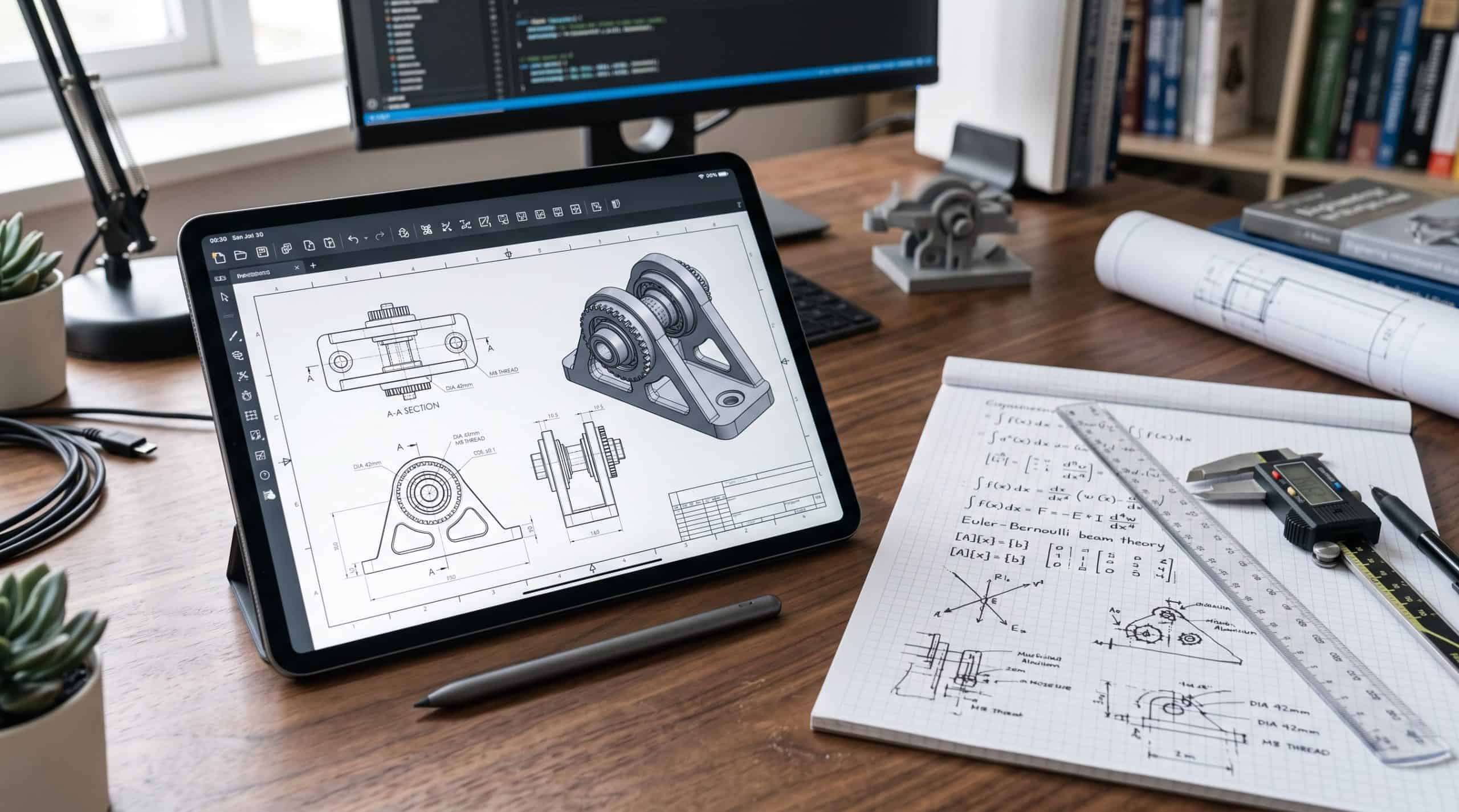
Last Updated on October 5, 2026 by Nurul
Finding the best tablets for engineering students 2026 is not as simple as picking the fastest chip or the biggest screen.
Engineering students have very different needs from typical tablet users. You may need to annotate technical PDFs, write equations by hand, sketch diagrams, review CAD drawings, run MATLAB-related work, and sometimes connect a keyboard or external display — all in the same study session.
And there is one important question to answer before buying: Can a tablet actually replace your engineering laptop?
Usually, no. A good tablet can be an excellent engineering-school companion — but students who regularly use full desktop CAD, simulation, 3D modeling, or specialized engineering software may still need a Windows PC or laptop alongside it.
With that distinction in mind, here are the tablets worth considering in 2026.
⚡ The Bottom Line Upfront (BLUF)
- Best Overall: iPad Air M4 — excellent for notes, PDFs, diagrams and everyday engineering work.
- Best Windows Option: Microsoft Surface Pro 11 — the right pick if you need Windows software.
- Best Android: Samsung Galaxy Tab S11 — strong multitasking and S Pen support.
- Best Budget: iPad A16 — capable everyday tablet without spending flagship money.
- Important warning: No tablet fully replaces a laptop for demanding CAD, simulation or 3D modeling. Buy a tablet as your second device, not your only one.
📊 Quick Picks: best tablets for engineering students 2026
| Category | Our Pick | Best For |
| Best Overall | Apple iPad Air M4 | Notes, diagrams, PDFs and everyday engineering work |
| Best Windows 2-in-1 | Microsoft Surface Pro 11 | Students who need Windows applications |
| Best Android | Samsung Galaxy Tab S11 | Android users, multitasking, handwritten notes |
| Best Performance | OnePlus Pad 3 | Heavy multitasking and large-screen productivity |
| Best Budget | iPad A16 | Capable everyday tablet at a lower price point |
| Best for Laptop Replacement | Surface Pro 11 | Keyboard-based Windows productivity |
| Best for Handwritten Notes | iPad Air M4 | Apple Pencil-based note taking |
The right choice depends heavily on your engineering discipline and the software your university requires.
1. Apple iPad Air M4 — Best Overall Tablet for Engineering Students
Best for: Engineering students who want the best balance of performance, portability, handwritten notes and productivity.
The iPad Air M4 is the tablet to recommend to most engineering students who already have access to a separate laptop or desktop. It does not try to be a replacement — it tries to be the best possible companion device, and it succeeds.
The 2026 iPad Air uses Apple’s M4 chip and comes in 11-inch and 13-inch versions. The 11-inch model weighs just 1.02 pounds. Both support Apple Pencil Pro, making them particularly useful for handwritten equations, diagrams and annotations.
For engineering students, the 13-inch version is especially compelling — the larger canvas makes split-screen work much more comfortable. Keep a lecture PDF on one side while taking handwritten notes on the other.
Why we recommend it
- Powerful M4 processor — handles every engineering-school app
- 12GB unified memory, up to 1TB storage
- Excellent display for technical PDFs and detailed diagrams
- Apple Pencil Pro support — best handwriting experience on any tablet
- Lightweight enough for daily campus use (1.02 lbs / 11-inch)
- Strong app ecosystem with engineering-friendly apps
- All-day battery life for classes and study sessions
| ✅ PROS | ❌ CONS |
| • Best stylus experience available | • Cannot run full desktop CAD or Simulink |
| • M4 chip handles every campus app | • Premium price, especially with accessories |
| • Excellent PDF and diagram workflow | • Apple Pencil Pro sold separately (~$129) |
| • 11-inch and 13-inch options | • No microSD expansion |
| • Very portable — under 1.5 lbs |
⚠️ Hidden cost: The iPad Air itself starts at ~$599. Add Apple Pencil Pro (~$129) and a keyboard (~$299) and you’re over $1,000. Factor this in before choosing the Air over the base iPad.
➔ View Apple iPad Air M4 on Amazon
The software limitation
Don’t buy an iPad Air expecting it to replace a full engineering workstation. AutoCAD’s desktop application runs on Windows and macOS. The AutoCAD mobile app provides a useful mobile workflow for viewing, creating, editing and sharing DWG files — but it is not the full desktop environment.
MATLAB Mobile connects to MathWorks Cloud and is genuinely useful, but Simulink graphical models and several MATLAB apps aren’t supported in mobile mode. A tablet can extend your workflow. It cannot replicate your workstation.
→ See also: Best Tablets for Note Taking in 2026
2. Microsoft Surface Pro 11 — Best Windows Tablet for Engineering Students
Best for: Students who need Windows applications and want one device that works as both a tablet and a laptop.
The Surface Pro 11 is fundamentally different from a traditional iPad or Android tablet. It runs Windows 11 and combines a detachable-keyboard design with a touchscreen and pen support. That makes it particularly attractive for engineering students who want tablet-style handwriting without surrendering a desktop operating system.
Microsoft offers Surface Pro 11 configurations with Snapdragon X Plus and X Elite processors. The 13-inch display has a 3:2 aspect ratio — particularly useful for documents, technical drawings and productivity work — and supports up to a 120Hz refresh rate depending on configuration.
Why it’s excellent for engineering students
The biggest advantage is Windows compatibility. If your engineering department requires Windows-only applications, this is your answer. You can use desktop MATLAB, full browser-based engineering platforms, Windows-native CAD viewers, Microsoft Office and external monitors — all from the same device.
| ✅ PROS | ❌ CONS |
| • Full Windows 11 — runs desktop apps | • ARM processors require software compatibility check |
| • Detachable keyboard for laptop-style work | • Expensive when fully configured |
| • 120Hz display with 3:2 aspect ratio | • Keyboard and pen usually sold separately |
| • Pen support for handwritten notes | • Battery life behind some tablets |
| • One device instead of tablet + laptop | • Can run hot under sustained load |
⚠️ Hidden cost: The Snapdragon versions use ARM-based processors. Before buying, verify that every application your engineering department requires — including plugins, drivers and hardware acceleration — works correctly on your chosen Surface Pro 11 configuration.
➔ View Microsoft Surface Pro 11 on Amazon
3. Samsung Galaxy Tab S11 — Best Android Tablet for Engineering Students
Best for: Android users who want a large screen, strong multitasking and S Pen note taking.
Samsung’s flagship Galaxy Tab line remains the strongest Android alternative to the iPad. For engineering students, the combination of a large display, Android multitasking and the included S Pen makes it a genuinely useful study device.
It’s particularly well suited to students who frequently work with technical PDFs, handwritten notes, diagrams, split-screen applications and web research — and who are already invested in the Android and Samsung ecosystem.
| ✅ PROS | ❌ CONS |
| • S Pen included — no extra cost | • Cannot run full desktop engineering software |
| • Strong Android multitasking | • More expensive than comparable non-Samsung Android |
| • Large, sharp display | • Software updates shorter than iPad lifecycle |
| • Familiar if you use Android and Samsung phones | • No desktop-class OS |
| • Good app ecosystem for students |
➔ View Samsung Galaxy Tab S11 on Amazon
4. OnePlus Pad 3 — Best Android Performance Alternative
Best for: Students who want high performance and a large screen without moving into ultra-premium pricing.
The OnePlus Pad 3 combines high-end processing power, a large high-refresh-rate display and capable Android multitasking. It makes good sense if your typical workflow runs browser + PDF + notes + calculator + AI assistant + messaging all at the same time.
Current 2026 testing places the OnePlus Pad 3 among the strongest Android tablets for general productivity. It’s a better choice as an engineering companion than as your only computer — the fundamental desktop-software limitation applies here just as it does to every Android device.
| ✅ PROS | ❌ CONS |
| • High-performance processor | • No desktop OS or full Windows apps |
| • Large high-refresh-rate display | • Stylus sold separately |
| • Good multitasking for heavy student workflows | • Smaller app ecosystem than Samsung or Apple |
| • Strong battery life | • Less brand recognition in student markets |
| • Competitive price vs Galaxy Tab S11 |
➔ View OnePlus Pad 3 on Amazon
🛍️ Browse My Full Student Tech Picks on Amazon
Top-rated tablets, styluses & accessories — all curated in one place.
5. iPad A16 — Best Budget Tablet for Engineering Students
Best for: Students who want a reliable Apple tablet for notes, PDFs and everyday coursework without spending flagship money.
You don’t necessarily need a $700–$1,000 tablet for engineering school. The current iPad with the A16 chip provides a much more affordable entry point into Apple’s tablet ecosystem — and for students whose primary computer is already capable, it may be the smarter purchase.
Recent pricing has put the iPad A16 around $399 during sales, though pricing changes frequently. It handles lecture notes, digital textbooks, PDFs, web research, online classes, basic engineering apps, handwritten annotations and general student productivity without complaint.
| ✅ PROS | ❌ CONS |
| • Much more affordable than Air or Pro | • Older design with wider bezels |
| • Still runs every iPad app | • Less RAM than Air M4 |
| • Apple Pencil support for note taking | • No promotion/120Hz display |
| • Long software support lifecycle | • Storage tops out lower than flagship models |
| • Light and portable for daily campus use |
⚠️ Hidden cost: Spend less on the tablet and keep your main budget for the laptop you’ll actually need for demanding engineering software. A $400 iPad + a capable laptop beats a $1,000 iPad alone for most engineering students.
➔ View Apple iPad (A16) on Amazon
→ See also: Best Tablets Under $300
What Should an Engineering Student Look for in a Tablet?
1. Stylus support matters
For engineering students, a stylus isn’t just an accessory. It’s essential for mathematical equations, circuit diagrams, engineering sketches, annotating PDFs, free-body diagrams and marking up lecture slides. A good stylus experience can be more valuable than having the fastest processor.
2. Get enough screen space
An 11-inch tablet is portable and comfortable to carry. But a 12.9–13-inch display becomes significantly more useful when you’re reading technical documents and taking notes side by side. General rule: choose 11-inch for maximum portability; choose 13-inch if the tablet will spend most of its time on your desk.
3. RAM and storage add up quickly
Engineering students accumulate PDF textbooks, lecture recordings, CAD files, presentations, research papers, handwritten notebooks and project files faster than most. Aim for at least 8GB RAM and 128GB storage. If you plan to keep the tablet for three or more years, 256GB is a safer choice.
Can an iPad or Android Tablet Run AutoCAD?
Yes — but there’s an important distinction to understand before buying.
AutoCAD Mobile is not the same as the full desktop AutoCAD experience.
Autodesk supports AutoCAD Mobile on iPad and Android. The mobile application can view, create, edit and share DWG drawings, with higher subscription tiers adding editing, annotation, layers and other capabilities.
So a tablet can be genuinely useful for reviewing and working with CAD drawings on the move. But if your course requires advanced 3D modeling or the complete desktop AutoCAD workflow, don’t assume an iPad or Android tablet can replace your computer.
Can You Use MATLAB on a Tablet?
Yes. MathWorks provides MATLAB Mobile for both iPad and Android. You can create and edit MATLAB files, issue commands, visualize data and connect to MATLAB through the MathWorks Cloud.
However, MATLAB Mobile has notable limitations. Some MATLAB apps aren’t supported in mobile mode, and the graphical Simulink environment isn’t available through MATLAB Mobile.
Tablet + MATLAB Mobile = useful companion. Tablet alone = not a replacement for a full MATLAB workstation.
Tablet vs. Laptop for Engineering Students
This is where many buying guides get it wrong. An engineering student shouldn’t automatically try to replace a laptop with a tablet. The right answer almost always involves both.
| Task | Tablet | Laptop |
| Handwritten notes | ★★★★★ | ★★ |
| Reading PDFs | ★★★★★ | ★★★★ |
| Annotating diagrams | ★★★★★ | ★★★ |
| Online classes | ★★★★★ | ★★★★★ |
| Web research | ★★★★★ | ★★★★★ |
| Basic programming | ★★★ | ★★★★★ |
| MATLAB | ★★★ | ★★★★★ |
| CAD viewing | ★★★★ | ★★★★★ |
| Full desktop CAD | ★★ | ★★★★★ |
| 3D engineering software | ★★ | ★★★★★ |
| Long typing sessions | ★★★ | ★★★★★ |
| Portability | ★★★★★ | ★★★★ |
If you already have a laptop: buy a tablet.
If you don’t have a computer: buy a capable laptop first.
If you want one device: consider a Windows 2-in-1 such as the Surface Pro 11.
→ See also: Tablet vs. Laptop for College in 2026
What About CAD-Heavy Engineering Programs?
Mechanical, civil, architectural and some electrical engineering programs involve demanding software — desktop AutoCAD, SolidWorks, ANSYS, BIM platforms and similar applications. These have requirements that go well beyond what any conventional tablet is designed to provide.
If you’re studying mechanical engineering and regularly working with SolidWorks or ANSYS, a conventional iPad shouldn’t be your only computer. A tablet can still be extremely valuable — but as the second device, not the primary one.
Our Final Verdict
| Award | Device | Why |
| 🏆 Best Overall | iPad Air M4 | Powerful, portable, excellent Pencil experience, all-day battery |
| 🖥️ Best Windows Option | Surface Pro 11 | Full Windows 11 in a tablet form factor — check ARM compatibility |
| 📱 Best Android | Galaxy Tab S11 | S Pen included, strong multitasking, good for Android users |
| ⚡ Best Performance Alt. | OnePlus Pad 3 | High-end Android chip, large display, competitive pricing |
| 💰 Best Budget Pick | iPad A16 | Capable everyday tablet — spend the rest on a good laptop |
The Bottom Line
For most engineering students, the ideal setup isn’t a tablet instead of a laptop — it’s a tablet alongside a laptop. Use the tablet for lectures, handwritten equations, technical PDFs and quick review. Use the laptop or desktop for demanding CAD, simulation, programming and specialized software. That combination gives you the best of both worlds without forcing a tablet to do a job it wasn’t designed for.
❓ Frequently Asked Questions
Q: What is the best tablet for engineering students in 2026?
The iPad Air M4 is our top overall pick for students who already own a laptop. It combines an M4 chip, Apple Pencil Pro support and excellent battery life in a portable package. If you need Windows software, the Surface Pro 11 is the better choice.
Q: Can a tablet replace a laptop for engineering school?
For most engineering students, no — not fully. Demanding desktop software like SolidWorks, full MATLAB/Simulink, ANSYS and many CAD platforms require a proper computer. A tablet is best used as a companion device for lectures, notes and PDF work.
Q: Can you run AutoCAD on an iPad?
Yes, via AutoCAD Mobile. The app supports viewing, creating, editing and sharing DWG files. However, it is not the same as the full desktop AutoCAD environment. For advanced 3D modeling and complete desktop CAD workflows, you still need a computer.
Q: Can you use MATLAB on a tablet?
Yes, via MATLAB Mobile for iPad and Android. It connects to the MathWorks Cloud and supports file editing, command input and data visualization. However, Simulink and some MATLAB apps aren’t available in mobile mode.
Q: Is the iPad or Surface Pro better for engineering students?
iPad Air M4 if you already have a laptop and want the best note-taking and PDF experience. Surface Pro 11 if you want one device that can run Windows desktop software — just verify ARM software compatibility before buying.
Q: How much storage does an engineering student need?
At least 128GB, with 256GB preferred if you plan to keep the tablet for several years. Engineering students accumulate PDFs, recordings, CAD files and project data quickly. Choose a model with microSD support if you want expansion flexibility.
📎 Related Guides
→ Best Tablets for Note Taking in 2026
→ Tablet vs. Laptop for College in 2026
Prices and availability are accurate as of mid-2026 and may change. Always verify current pricing on Amazon before purchasing. As an Amazon Associate, I earn from qualifying purchases.

Hi, I’m Nurul! I love touching the latest gadget, unboxing them, and even smelling them! In this blog, I will share all my experiences. Hope you get the right idea about all kinds of gadgets from this blog.